Getting started
What is a donation tracker?+
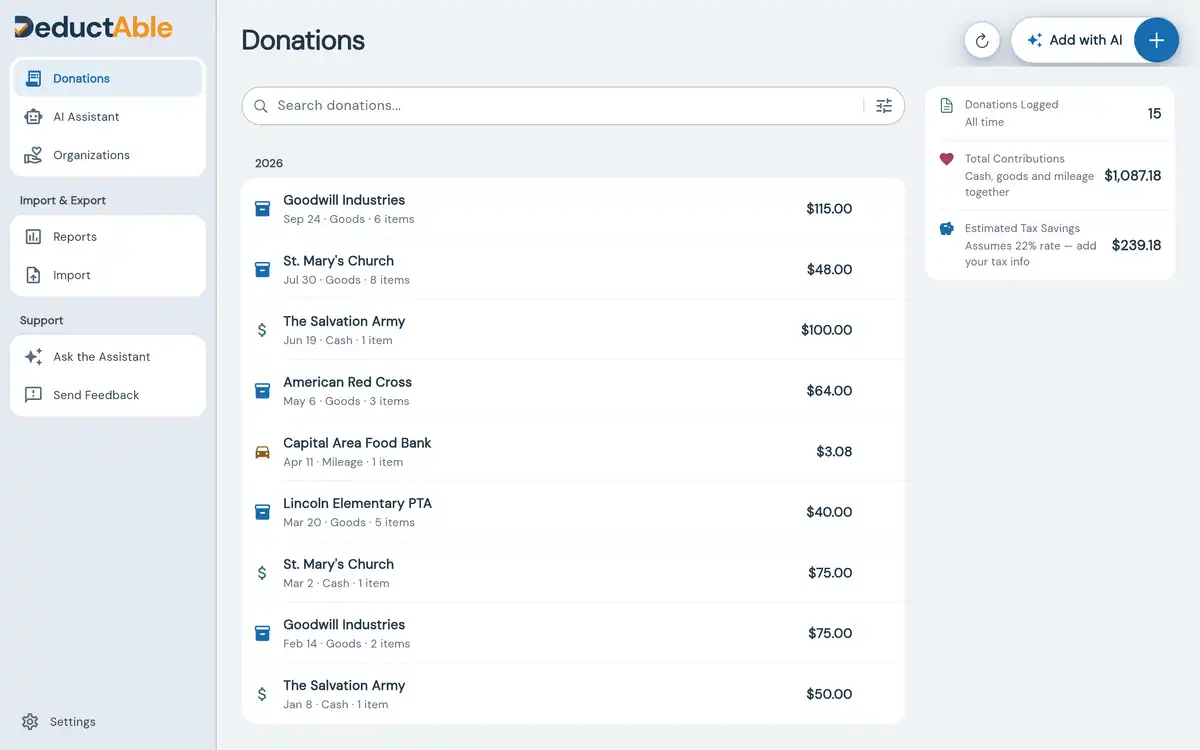
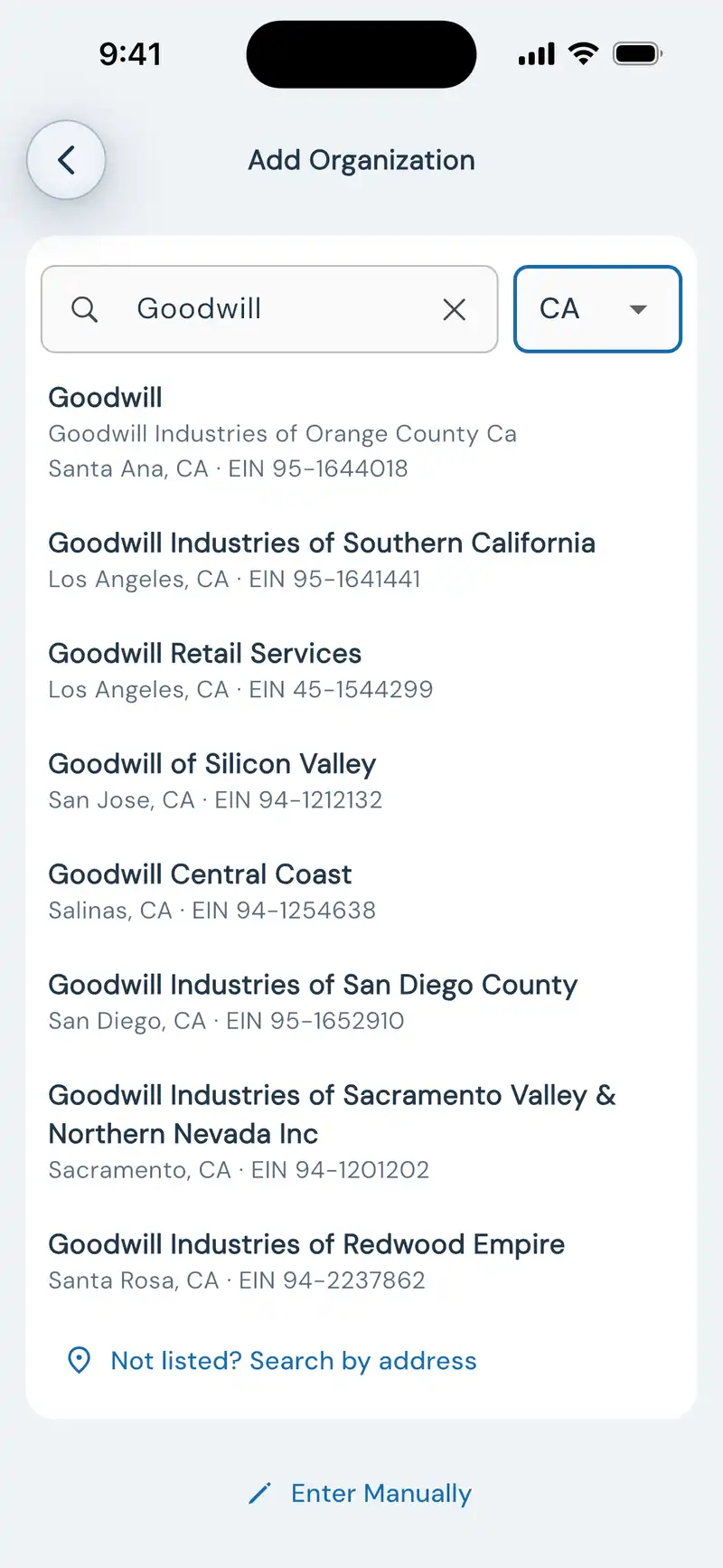
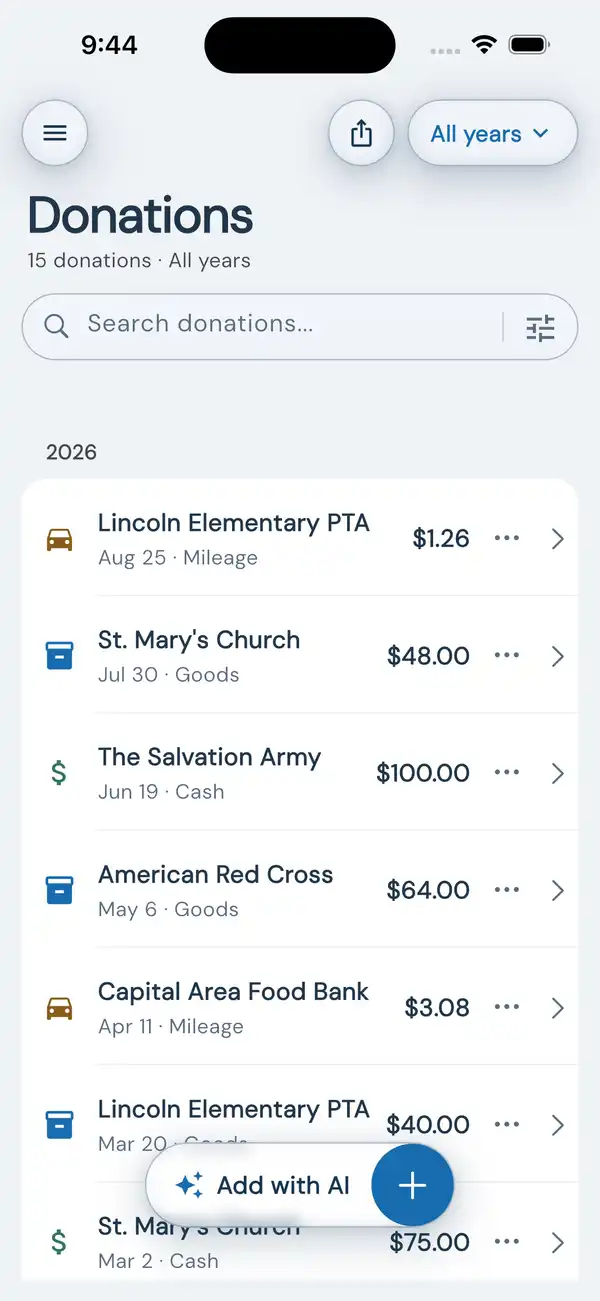
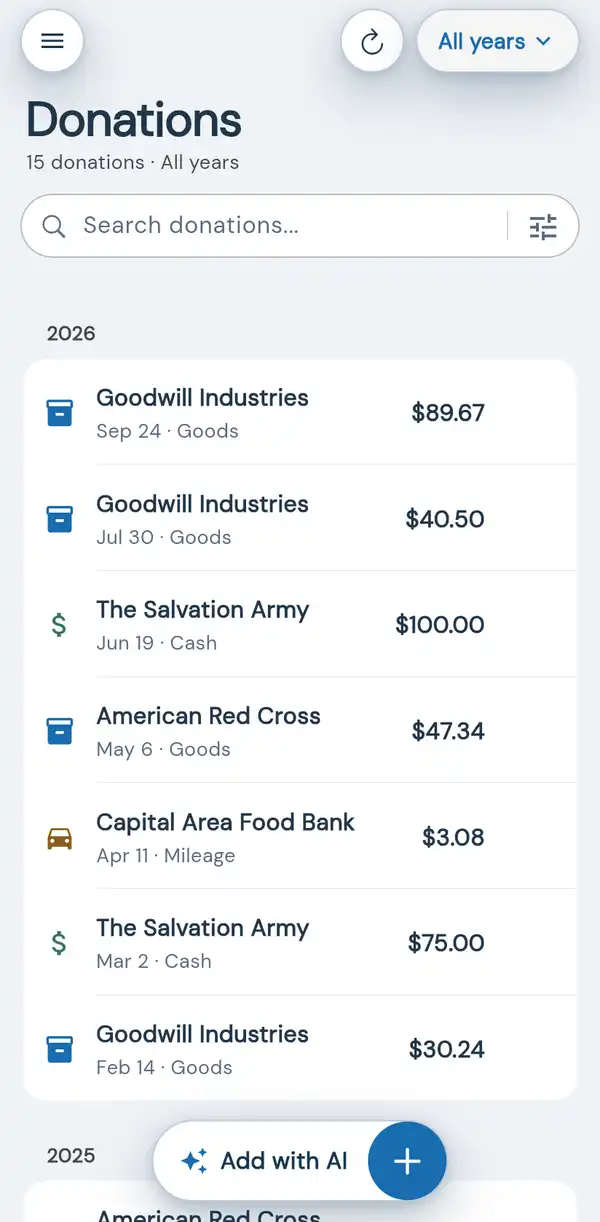
A donation tracker is an app that helps you record non-cash charitable contributions, calculate fair market values, and generate tax-ready reports for IRS deductions. DeductAble is a donation tracker app that uses AI to identify each item from your photos and match it to a fair market value from our catalog that you review and approve, tracks donations to Goodwill, Salvation Army, and other charities, and exports reports ready for tax time.
Is it deductable or deductible?+
"Deductible" is the correct spelling—an expense you can deduct from your taxable income—while "deductable" (with -able) is a common misspelling. If you searched "deductable" looking for the donation tracker app, you found it: DeductAble is named as a deliberate play on that spelling. It uses AI to identify donated items from photos and match them to catalog fair market values you review, then exports IRS-ready reports for tax time.
Download DeductAble free to start tracking your charitable donations.
Can I import donations from another app or a spreadsheet?+
Yes, from almost anywhere. If the file is a CSV, Excel (.xlsx), selectable-text PDF, .txt, or ZIP and your donations are in it, Import from a file can read it, in whatever layout it came in: a spreadsheet you kept yourself, another app’s export, or a bank statement. Choose Import from a file (on the web it opens from Import in the sidebar; on iPhone it is under Import & Export in the menu). AI reads the file and shows a preview of every donation it found, with anything missing a date, value, or organization set aside for you to check. Each donation keeps the value in your file, and no donations are added until you tap Import. Scanned PDFs and photos go through the Photo button or the AI assistant instead, and mileage and stock rows are added by hand. The free plan includes one file import, ever, of up to 100 rows; Premium imports up to 5 files a day. Full limits:
how importing from a file works.
How does AI photo recognition work?+
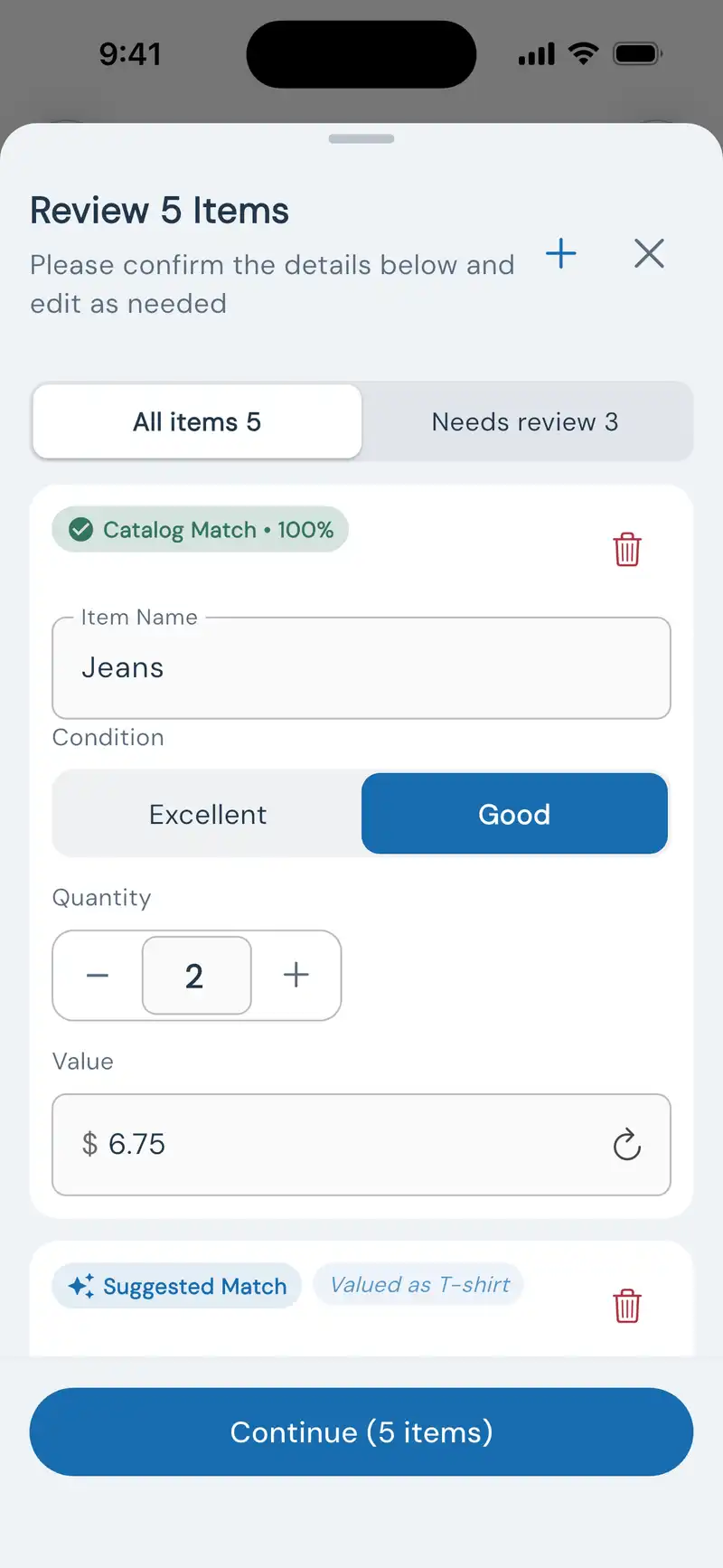
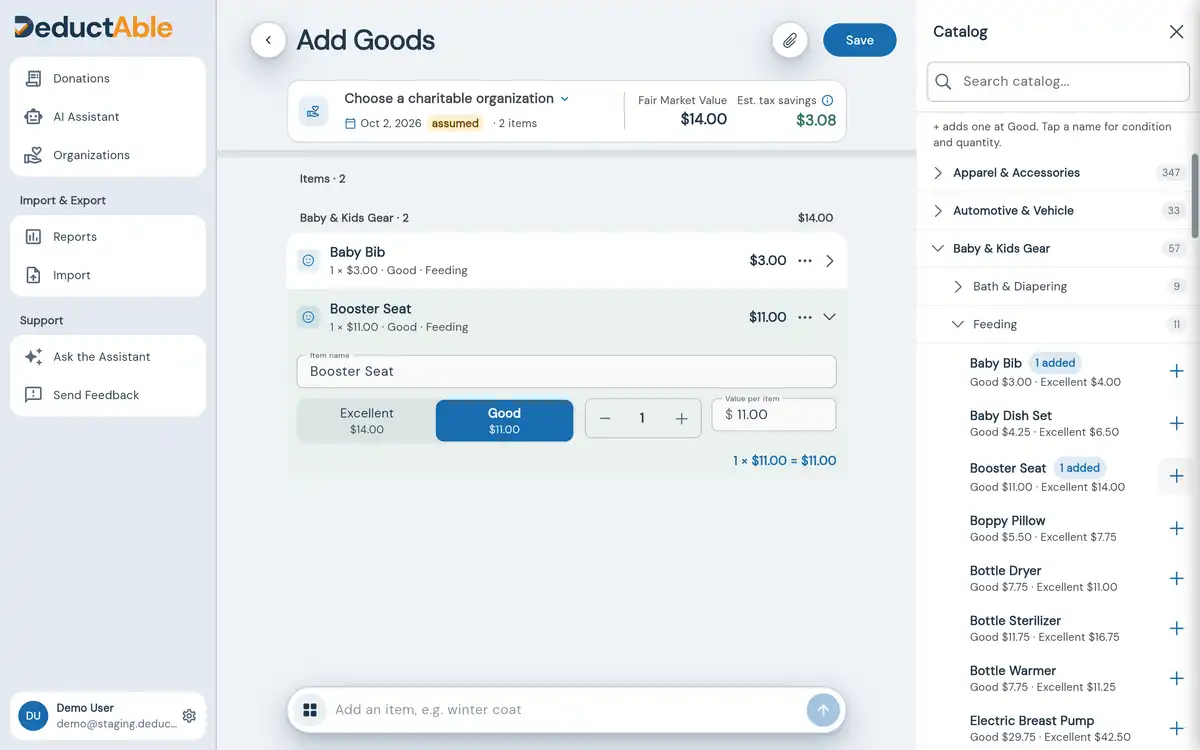
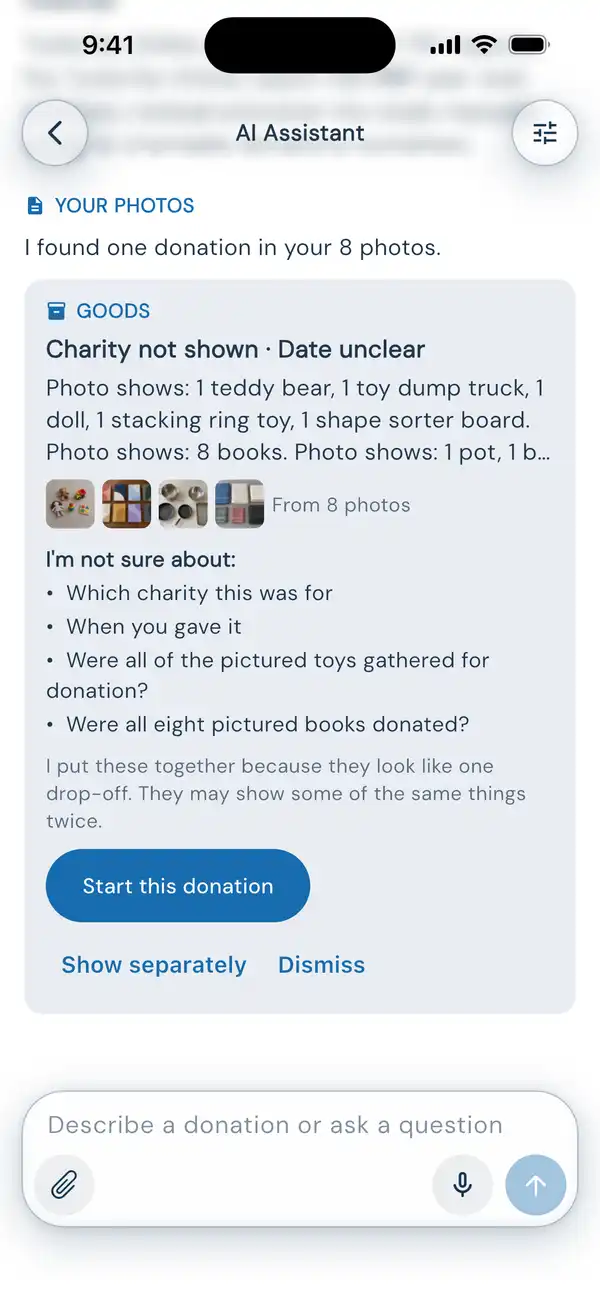
Describe or photograph what you gave and the assistant builds the record. From a photo of your items or a receipt, DeductAble's AI identifies each item and matches it to a fair market value from our catalog by category and condition. You review and confirm each item and value before saving.
What does DeductAble cost?+
DeductAble is free to use with up to 5 donations—including AI photo recognition with a free account, CSV and PDF export, and cloud sync across devices. Premium is $19.99/year and unlocks unlimited donations, TXF export for seamless TurboTax Desktop import, and priority email support.
Is Premium a monthly subscription or one-time purchase?+
Premium is $19.99/year and renews automatically. You can cancel anytime through your app store (iOS) or account settings (web). If you cancel, you keep Premium features until your current subscription period ends.
Can I upgrade to Premium mid-year?+
Absolutely! You can upgrade whenever you want and instantly unlock unlimited donations, TXF export, and priority support. On the free plan you're limited to 5 donations, so upgrading removes that cap right away. Your subscription starts from the date you upgrade.
What if I want to cancel my subscription?+
You can cancel anytime through your device's app store settings (iOS) or account settings (web). When you cancel, you keep Premium features until your current subscription period ends—you're never cut off mid-year.
What platforms do you support?+
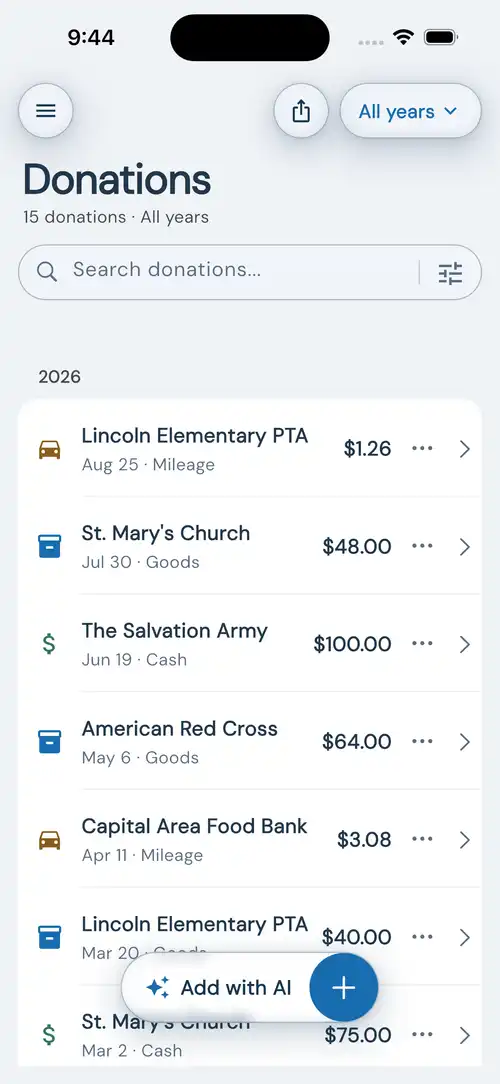
DeductAble has an iPhone app and a web app at app.deductable.ai for iPad, Android, Mac, and PC. On iPad, open the web app in Safari for a full-screen experience. Sign in with the same account to access your donations across devices.
How do I add DeductAble to my Android Home Screen?+
Open Chrome on your Android phone or tablet, go to app.deductable.ai, and sign in with your DeductAble account. Tap Chrome’s three-dot menu (⋮) beside the address bar, choose Install and create shortcut, then Install, and confirm. Some Chrome versions call this Add to Home screen or Install app. If only Create shortcut is offered, choose it, name it DeductAble, and tap Add; the shortcut opens the web app in Chrome. Next time, tap the DeductAble icon and sign in with the same account if asked. This uses the same account and donations as the iPhone app. It is web access, rather than a native Google Play app, and still requires internet. If the menu option is missing, open the address directly in Chrome rather than inside another app’s browser.
Can I see my donations on my iPad or Mac?+
Yes. On iPad, open app.deductable.ai in Safari for a full-screen experience and sign in with the same account—all your donations are there. On Mac, use the web app in your browser. The App Store app is designed for iPhone; it can be installed on iPad, but opens in a phone-sized window.
Can I use DeductAble without internet?+
On iPhone, yes! The iPhone app lets you track and manage donations offline and syncs when you reconnect. The web app, including Safari on iPad, requires an internet connection. The AI assistant requires an internet connection on every device.
Do you support non-US charities?+
DeductAble is currently optimized for US charities, with valuations and exports built for US tax returns. International users can still track donations manually, but organization search and validation is US-focused.
Can I request a feature or enhancement?+
How do I get support?+
Email
support@radone.dev with your app version, device or browser, and a description of the issue. Our support team is available Monday–Friday and most inquiries receive a response within one business day.
Moving from ItsDeductible
What happened to ItsDeductible?+
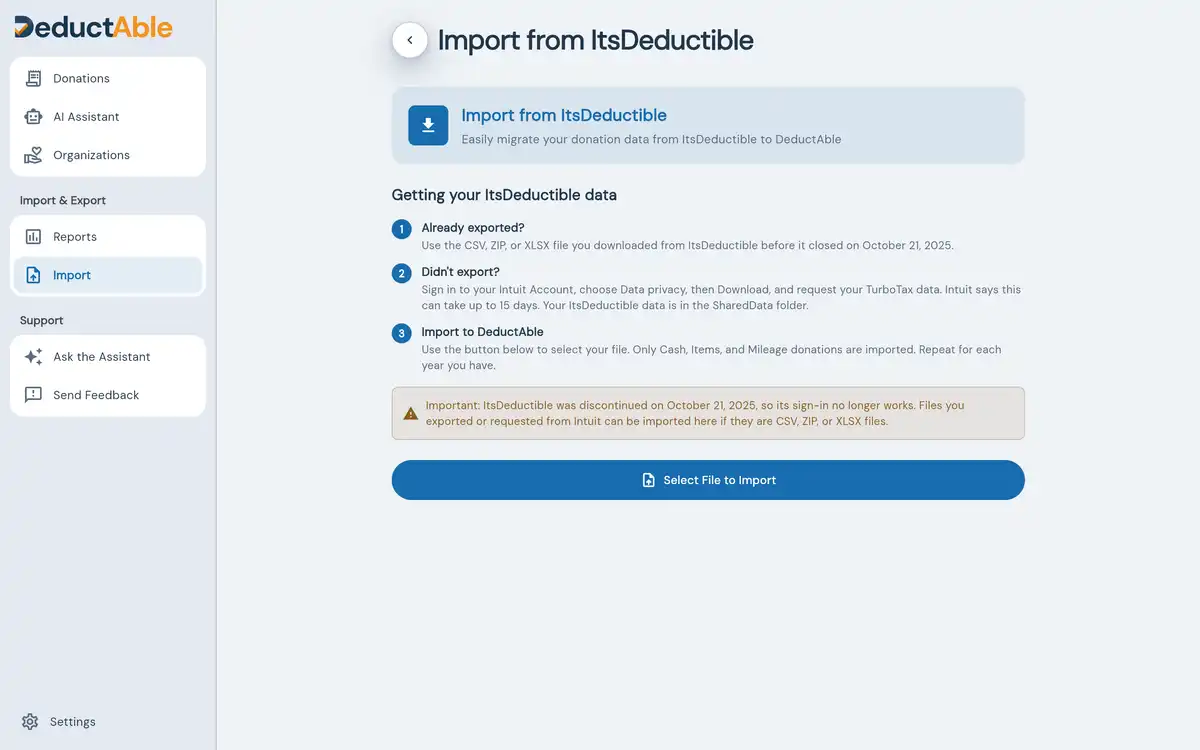
Intuit shut down ItsDeductible (also known as It's Deductible or TurboTax ItsDeductible) on October 21, 2025. If you used ItsDeductible to track donations, DeductAble is the best replacement—it does the core of what ItsDeductible did (valuation, tracking and tax-ready exports) plus adds AI-powered photo recognition. You can import your ItsDeductible data via CSV or XLSX.
What is the best ItsDeductible replacement?+
DeductAble is a purpose-built ItsDeductible replacement and alternative (sometimes misspelled "Its Deductable") available today. As a full-featured donation tracker app, it does the core of what Intuit ItsDeductible did (valuation, tracking and tax-ready exports) plus adds AI-powered photo recognition that identifies each item and matches it to a fair market value from our catalog you review and approve. Unlike ItsDeductible, DeductAble keeps your data secure with cloud sync across all your devices and works offline on iPhone. Available on iOS and web—access your donations from anywhere. For the full walkthrough, read our
ItsDeductible alternative guide.
Can I still login to ItsDeductible?+
No—ItsDeductible login is no longer available. Intuit discontinued the Its Deductible login portal when ItsDeductible shut down on October 21, 2025, so there is no password to reset. Your old records can still be recovered through your Intuit Account: sign in, select Data privacy, then Download, choose TurboTax if you use TurboTax, and submit the request. Intuit says the file can take up to 15 days, and your ItsDeductible data is in its SharedData subfolder. If you're looking for an ItsDeductible login alternative, DeductAble imports that file or the CSV you exported before the shutdown, and continues tracking donations with the core of what ItsDeductible did plus AI photo recognition with catalog values you review and approve. Full steps, including what to do if your Intuit Account sign-in fails, are in our
guide to what happened to ItsDeductible.
How does DeductAble compare to ItsDeductible?+
DeductAble improves on ItsDeductible in several ways: AI-powered photo recognition identifies each item and matches it to a fair market value from our catalog you review and approve, your data is securely stored and synced across devices, it works offline on iPhone, and it's available on both iOS and web so you can access donations from anywhere. Plus, DeductAble isn't tied to any specific tax software—export to any platform.
Can I import my ItsDeductible data?+
Yes! If you exported your data before ItsDeductible shut down in October 2025, you can import it into DeductAble: open Import from the app menu (on the web it sits under Import & Export in the sidebar), choose “Migrating from ItsDeductible?”, then upload your CSV, XLSX, or ZIP file. Your donation history transfers in seconds, and any row that cannot be imported is listed (on the web, by organization, date, and row number) so nothing disappears silently. DeductAble is designed to be the easiest ItsDeductible replacement for migrating your existing donation records.
Values, reports, and taxes
How does DeductAble calculate fair market value?+
DeductAble does not use AI to set values. AI identifies each item and matches it to a fair market value from our catalog that you review and approve. Catalog values estimate what similar used items sell for in thrift and consignment shops, and they come from resale data, not from AI: our pricing process takes online marketplace listing prices for the item, mostly used ones, filters out parts, bundles and extreme prices, uses the median, and adjusts it to thrift-store price levels. Some values come from published thrift-store valuation guides. Our team sets or reviews every price before it goes live. For used clothing, IRS Publication 561 says the price buyers pay in consignment or thrift shops is an indication of value. Items with no catalog match are flagged for you to value, and you always have final approval before saving.
Does DeductAble use AI to set donation values?+
No. AI only identifies each item and matches it to our catalog; it never produces a dollar figure. Catalog values come from resale data: online marketplace listing prices, mostly for used items, adjusted to thrift-store price levels, plus published thrift-store valuation guides, and our team sets or reviews every price. You review and approve every value before saving.
How accurate are the valuations?+
Values come from our catalog, priced by condition (Good / Excellent), and you can adjust any value before saving.
How do I export my donations for taxes?+
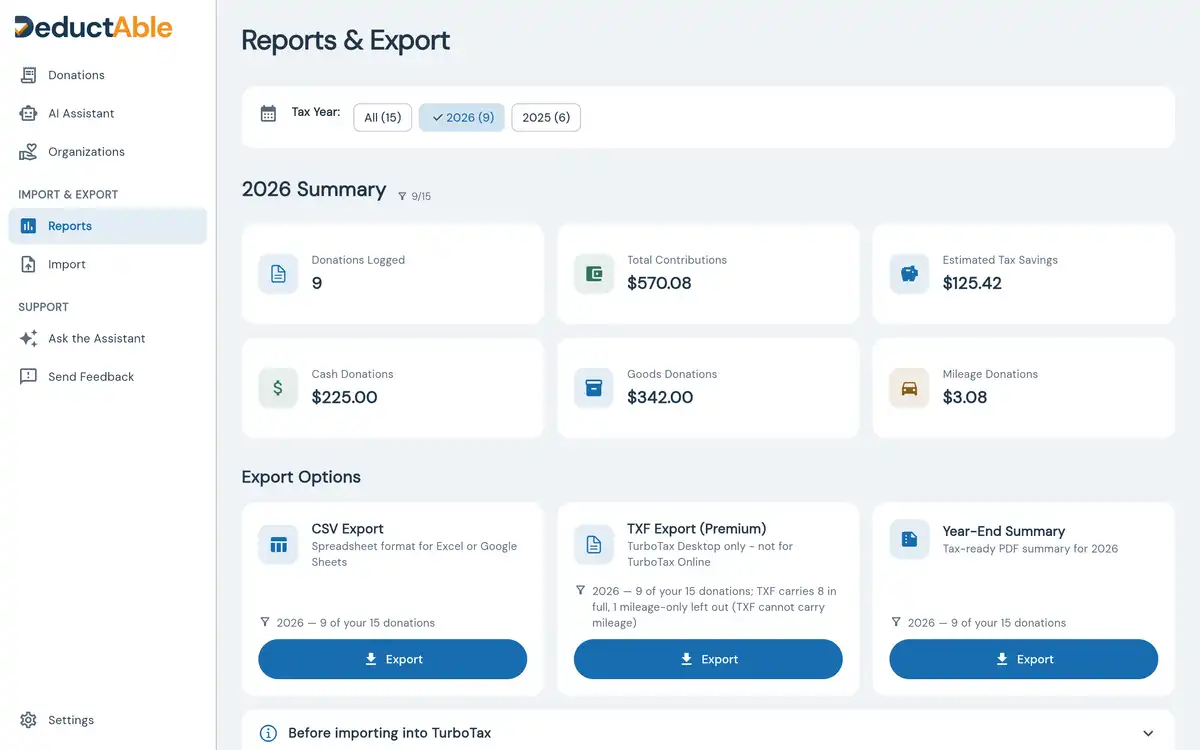
Open Reports & Export, pick a scope—all years, one tax year, or your current filter—then choose PDF, CSV, or TXF. Each format shows how many donations it will contain before you export. PDF produces a year-end summary ready to hand to your tax preparer, and on Premium it adds a Form 8283 worksheet when your non-cash donations exceed $500. CSV gives you your donation data in spreadsheet form. TXF (Premium) imports into TurboTax Desktop and tells you up front that mileage is not included. On iPhone you share the file; on the web it downloads to your computer.
Can I use DeductAble with TurboTax?+
Yes! Premium subscribers ($19.99/year) can export donations in TXF format—TurboTax Desktop's native import format. After importing, you'll need to review and finalize each record in TurboTax, but all your data carries over. Mileage donations aren't supported by the TXF format, but DeductAble includes a mileage summary with total miles, trips, and the IRS rate so you know exactly what to enter in TurboTax under 'Vehicle use.' We don't have a live API integration with TurboTax Online—Intuit doesn't expose APIs for charitable donation import—but TXF export for TurboTax Desktop gives you the closest thing to direct integration.
Privacy and your account
Do you sell or share donation data?+
We never sell it. DeductAble securely syncs your donation records through cloud storage and stores data locally on iPhone for offline access. We don't sell or rent your data to advertisers or data brokers. We do share it with the service providers that make the app work: Firebase (Google) stores and syncs your records, and OpenAI receives item photos and descriptions to identify items. Our Privacy Policy lists every case. Your email is only used for authentication and is managed securely through our authentication provider.
Will my donations disappear if I delete the app?+
No—your donations are safely backed up in the cloud when you're signed in. Just reinstall the app, sign in again with the same account, and all your donations will be there.
Is my donation data private and secure?+
Yes. Your donation data is encrypted in transit and stored on Google Cloud, which encrypts it at rest. We never sell your data or use it for anything other than helping you track tax deductions, and the service providers that run sync and AI item recognition process it on our behalf. See our
Privacy Policy for full details.
How do I delete my account?+
You can delete your account and all associated data directly from Settings in the app. This permanently removes your account, donations, and any stored attachments from our systems.
What happens if I lose my iPhone?+
Sign in with the same Apple, Google or email account on your new device. DeductAble automatically restores your donation history from secure cloud backup.
Have more questions? Contact our support