Press Kit
Last Modified: October 05, 2026
Press resources for DeductAble. Boilerplate copy, fast facts, the 3.0 story, and brand assets for coverage. For anything not here, email support@radone.dev.
Boilerplate
DeductAble is the AI donation tracker that replaced Intuit’s ItsDeductible. Describe or photograph what you gave and the assistant builds the record: it identifies each item and matches it to a fair market value from our catalog, and the donor reviews and approves every value before saving. At tax time DeductAble produces a year-end PDF summary or a CSV, and on Premium a Form 8283 worksheet and a TXF file for TurboTax Desktop. Use the iPhone app or open app.deductable.ai in Safari on iPad for a full-screen experience, with the same account and donations. The web app also works on Android, Mac, and PC. Free for up to 5 donations; Premium is $19.99 per year.
Short version (under 50 words): DeductAble replaces ItsDeductible with AI-assisted donation tracking and catalog values you approve. Export PDF or CSV; Premium adds a Form 8283 worksheet and TurboTax Desktop TXF. Use the iPhone app or the web app in Safari on iPad. Free to start; $19.99/year for unlimited donations.
Fast facts
- Developer: RadOne LLC
- Launched: 2025, as a replacement after Intuit discontinued ItsDeductible on October 21, 2025
- Current version: 3.0
- Platforms: iPhone app (App Store, iOS 16 or later); web at app.deductable.ai for iPad, Android, Mac, and PC. On iPad, use Safari for a full-screen experience; one account, real-time sync
- Pricing: Free for up to 5 donations; Premium $19.99/year for unlimited donations, TXF export, and priority support
- Exports: Year-end PDF summary and CSV on every plan; Form 8283 worksheet and TXF for TurboTax Desktop on Premium
- Import: ItsDeductible CSV, XLSX, and ZIP exports, with every prior year preserved
- Scale: More than 450,000 individual donated items tracked (as of July 2026)
What’s new in 3.0
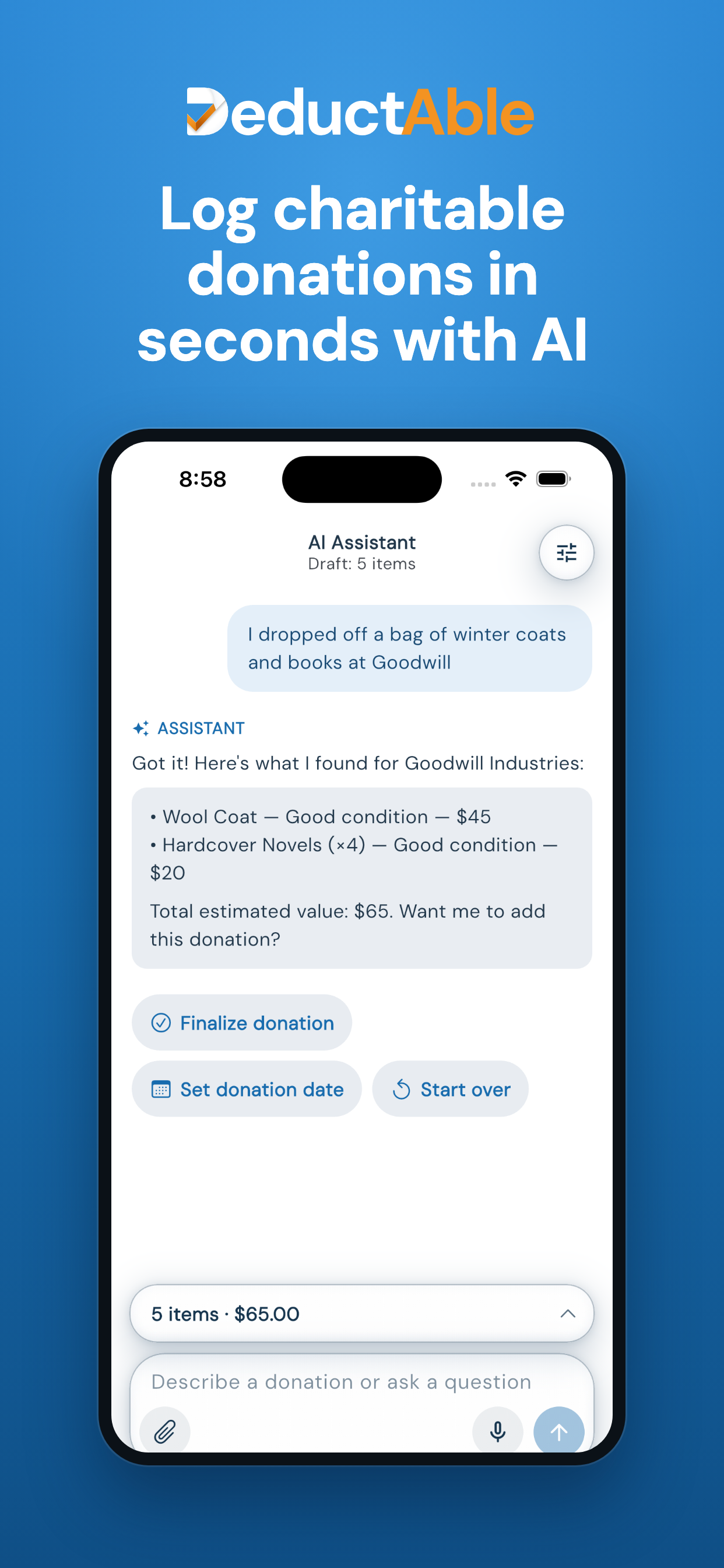
- A smarter AI assistant on every device. Describe or photograph what you gave and the assistant builds the record, matching each item to a catalog fair market value the donor approves. It runs on a more capable model, keeps the words the donor used, fixes the draft when corrected (“actually four”), adds to a donation already saved instead of creating a duplicate, reads up to 20 photos or files at once, and asks for a value rather than recording $0. It also answers questions about using the app.
- Batch import. Donors can hand the assistant up to 20 photos, receipts, PDFs, handwritten lists, or spreadsheet screenshots at once; it reads them together and groups them into donations to review before saving.
- Easier organization and EIN lookup. Add Organization opens with a name box and a State menu, and every result comes from the IRS list of tax-exempt organizations, with its city and EIN; if an organization is not listed, donors can search by address. Every organization picker shares one search and sort.
- A cleaner, more intuitive app. Less clutter, simpler navigation, simpler forms, one-tap catalog entry, and a Resume button for unfinished donations. On iPhone, titles collapse as you scroll, donations are grouped by year, and the floating ✦ Add with AI button stays within reach.
- A cleaner desktop workspace. One grouped sidebar, no top bar, large page titles, and a wider donation list with a totals column. At phone width the web app follows the iPhone app: the same dashboard, the same floating entry pill.
- Easier donation entry. Organization, date and totals sit in one pinned line at the top of every form; items, amount or miles fill the rest.
- Exports you can trust. Pick a scope, then a format. Each format states how many donations it carries, and TXF says up front that mileage is not included.
Full details are on the release notes page and in the 3.0 announcement.
Assets
- Logo pack readme
- Logo, light background: SVG · PNG
- Logo, dark background: SVG · PNG
- Logo mark, light background: SVG · PNG
- Logo mark, dark background: SVG · PNG
- App icon (PNG)
- Brand cover (PNG)
- Product screenshots: the 3.0 set is available on request from support@radone.dev








Brand rules: the logo’s D is the mark itself, so never add a separate mark beside it. Every logo file has a transparent background and a dark-background version; use the dark files on dark backgrounds rather than placing the logo on a tile. Keep clear space equal to the height of the logo’s “e”, and do not recolor it: the D and “educt” are ink #17364F (white on dark), the check and “Able” are orange #F39322.
Covers